What Is API Monitoring and Why It Matters
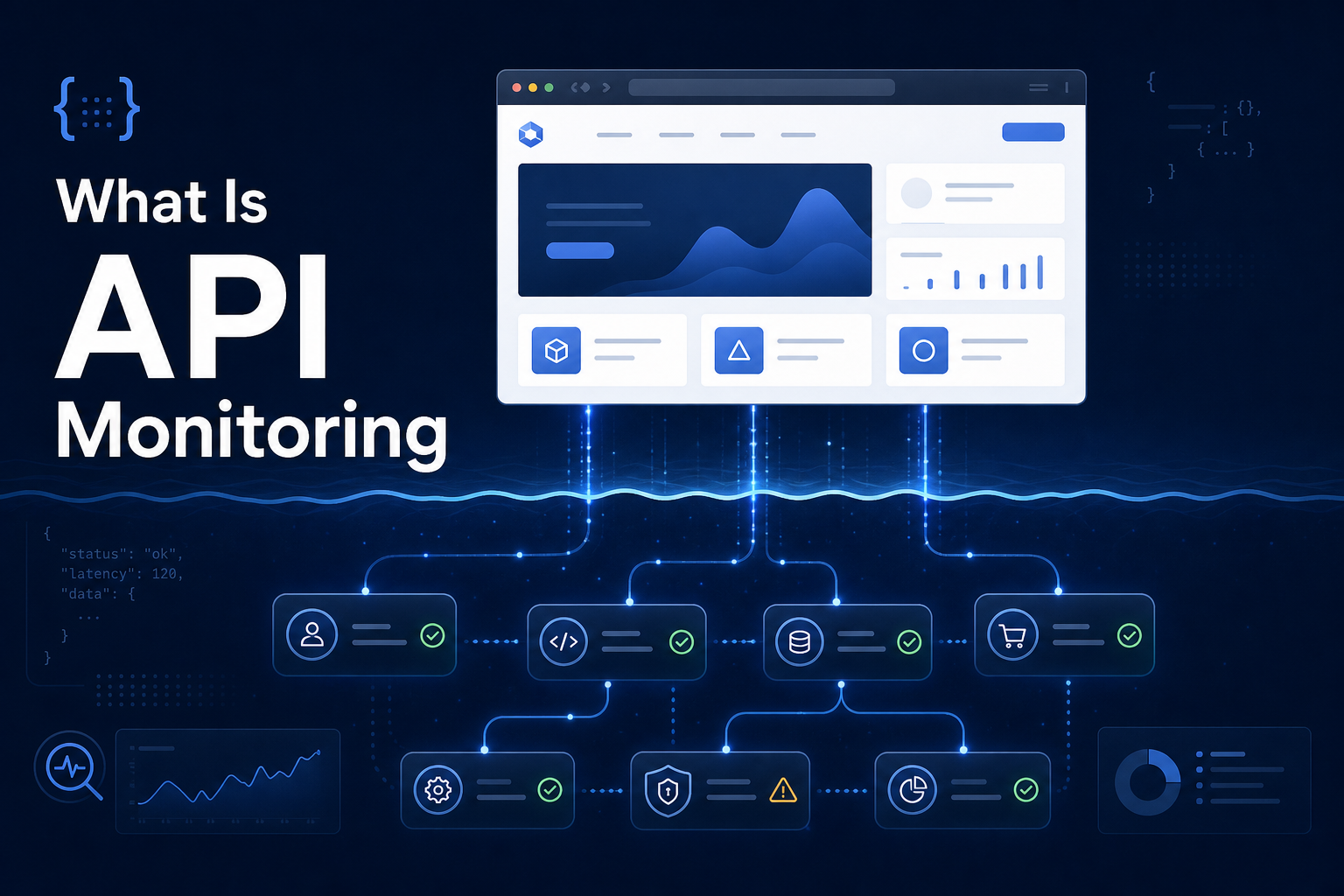
Here's a scenario that trips up a lot of teams: your website monitor shows 100% uptime. Green across the board. But your users are complaining that the app doesn't work. They can load the page, but their data won't appear. Buttons don't respond. The dashboard is empty.
What happened? Your website is up, but your API is down.
This is exactly the gap that API monitoring fills. Let's break down what it is, how it's different from regular website monitoring, and why most modern applications need both.
What Is an API?
If you're new to the term: an API (Application Programming Interface) is how different pieces of software talk to each other. When you load a web app, the page itself is one thing — but the actual data (your account info, your orders, your messages) is usually fetched separately from an API.
Think of a restaurant. The website is the dining room — it's what you see. The API is the kitchen — where the actual work happens. You can walk into a beautiful dining room, sit down, and still get no food if the kitchen is broken.
Modern websites work the same way. The page loads (the dining room), then JavaScript calls the API (the kitchen) to fetch your data. If the API fails, the page looks fine but nothing works.
What Is API Monitoring?
API monitoring is the practice of regularly checking that your API endpoints are:
- Available — the endpoint responds at all
- Correct — it returns the expected status code (usually 200) and the right data
- Fast — it responds within an acceptable time
A monitoring tool sends a request to your API endpoint at regular intervals — just like it would for a website — and verifies the response. If the endpoint returns an error, times out, or responds too slowly, you get an alert.
How API Monitoring Differs from Website Monitoring
The two are related but check different things. Here's the distinction:
| Website Monitoring | API Monitoring | |
|---|---|---|
| What it checks | Does the page load? | Does the data endpoint respond correctly? |
| What it catches | Server down, page errors, slow loading | API errors, bad responses, auth failures, slow queries |
| Typical request | GET the homepage HTML | GET/POST a specific API endpoint |
| What it misses | Backend/API failures behind a working page | Frontend/page rendering issues |
This is the same distinction we cover in detail in HTTP vs API monitoring. The short version: they're complementary, not interchangeable.
The critical insight: a static homepage served from a CDN can load perfectly even when your entire backend is on fire. Website monitoring alone gives you false confidence. If your homepage is the only thing you monitor, you can have a completely broken application showing green on your dashboard.
Why API Monitoring Matters
1. Your Website Can Lie to You
As covered above, a loading page doesn't mean a working app. The most dangerous outages are the ones your monitoring doesn't catch — where everything looks fine but nothing works. API monitoring closes that blind spot.
2. APIs Fail in Ways Pages Don't
APIs have failure modes that simple page loads don't:
- Authentication breaks — your auth service goes down, and every API call returns 401. The page loads, but no user can access their data.
- Database connection exhaustion — your database hits its connection limit, and API calls start timing out while the static page keeps serving.
- Rate limiting — a dependency you call starts rate-limiting you, and your API returns errors for a portion of requests.
- Bad deploys — a code change breaks an endpoint's logic. It returns a 200 but with wrong or empty data.
3. Third-Party APIs Are Single Points of Failure
Most apps depend on external APIs — Stripe for payments, an email service, an auth provider, a data API. When any of these goes down, your app breaks even though your own code is perfect.
Monitoring the third-party endpoints you depend on means you find out about their outages immediately — instead of discovering them when your checkout starts failing and customers complain.
4. Performance Degradation Is an Early Warning
API response times tell a story. An endpoint that normally responds in 100ms but slowly creeps to 800ms over a few weeks is warning you about something — a growing database, an inefficient query, a struggling dependency. Tracking response times lets you catch and fix these issues before they become full outages.
What to Monitor on Your API
If you're setting up API monitoring, start with the endpoints that matter most:
Health endpoint — many APIs expose a /health or /status endpoint that checks internal dependencies (database, cache, external services) and returns 200 only when everything is working. This is the single most valuable thing to monitor because it tests the whole stack in one call.
Authentication endpoint — if auth breaks, your whole app is effectively down. Monitor your login or token endpoint.
Core data endpoints — the API calls your app makes most often. If these fail, your main features break.
Critical third-party APIs — payment processors, email services, and any external API your app can't function without.
How to Set Up API Monitoring
The good news: API monitoring uses the same mechanism as website monitoring. You point a monitor at the API URL instead of a page URL.
For a basic setup in Monitoristic:
- Create a monitor pointing to your API endpoint (e.g.,
https://api.yourapp.com/health) - Set the HTTP method — GET for read endpoints, POST if the endpoint requires it
- Set the expected status code — usually 200, but match what your endpoint actually returns
- Add custom headers if needed — some endpoints require an API key or auth token in the headers
- Set a tight check interval — APIs are usually more critical than marketing pages, so 1-2 minute checks make sense
- Connect alerts so you know the moment an endpoint fails
For best results, monitor a /health endpoint that internally verifies your database and key dependencies. That way, a single monitored endpoint reflects the health of your entire backend.
The Bottom Line
Website monitoring tells you if your site loads. API monitoring tells you if it actually works. For any modern application that fetches data — which is almost all of them — you need both.
The page is the dining room. The API is the kitchen. Monitor both, or you'll keep seating customers in a beautiful room with no food coming out.
For a deeper look at the technical difference between the two, read HTTP vs API Monitoring: What's the Difference?